Introducing Team Agents
A shared AI teammate you can email or mention in Slack
von Compound Team · 6. Juli 2026 · 5 Min. Lesezeit
Most AI tools function as individual workspaces, operating in a silo disconnected from the rest of the team. You ask, and it answers. At best, the work lives in your own history so your agent can recall it. That breaks down the moment the work belongs to a team instead of to you.
Imagine this: an analyst uses AI to build a model for a live deal, but all the context behind it lives in a private chat. The next morning, a director needs to stress-test the model but is flying blind. The context that one person built never reaches the rest of the team.
For teams, a shared AI teammate is far more powerful than a personal assistant—one you can email, mention in Slack, assign work to, and whose output the entire team can build on.
Today, we’re introducing Team Agents—a shared AI teammate owned by a group within a team. It has its own name, its own email address, and a drive the group shares. Everyone in the group can reach it, and its work stays in one place instead of scattered across personal accounts.
Owned by the group, not the whole company
Here at Compound, we thought carefully about how to ensure the agent is safe and secure for enterprises before launching it. We wanted to provide team admins enough flexibility to scope exactly who can and cannot interact with the agent, while also giving the agent enough power to accommodate the demands of a team with real, context-rich financial tasks to hand off.
A Team Agent belongs to one group, and only that group can reach it. Point one at your deal team and its chats and files never leave the deal team. A coverage desk runs its own, walled off from the first. A firm can have as many agents as it has groups, each sealed to the people in it.
This allows hard confidentiality boundaries even within a firm, not just between firms. When a group has its agent model a live target, no one in another group sees a thing.
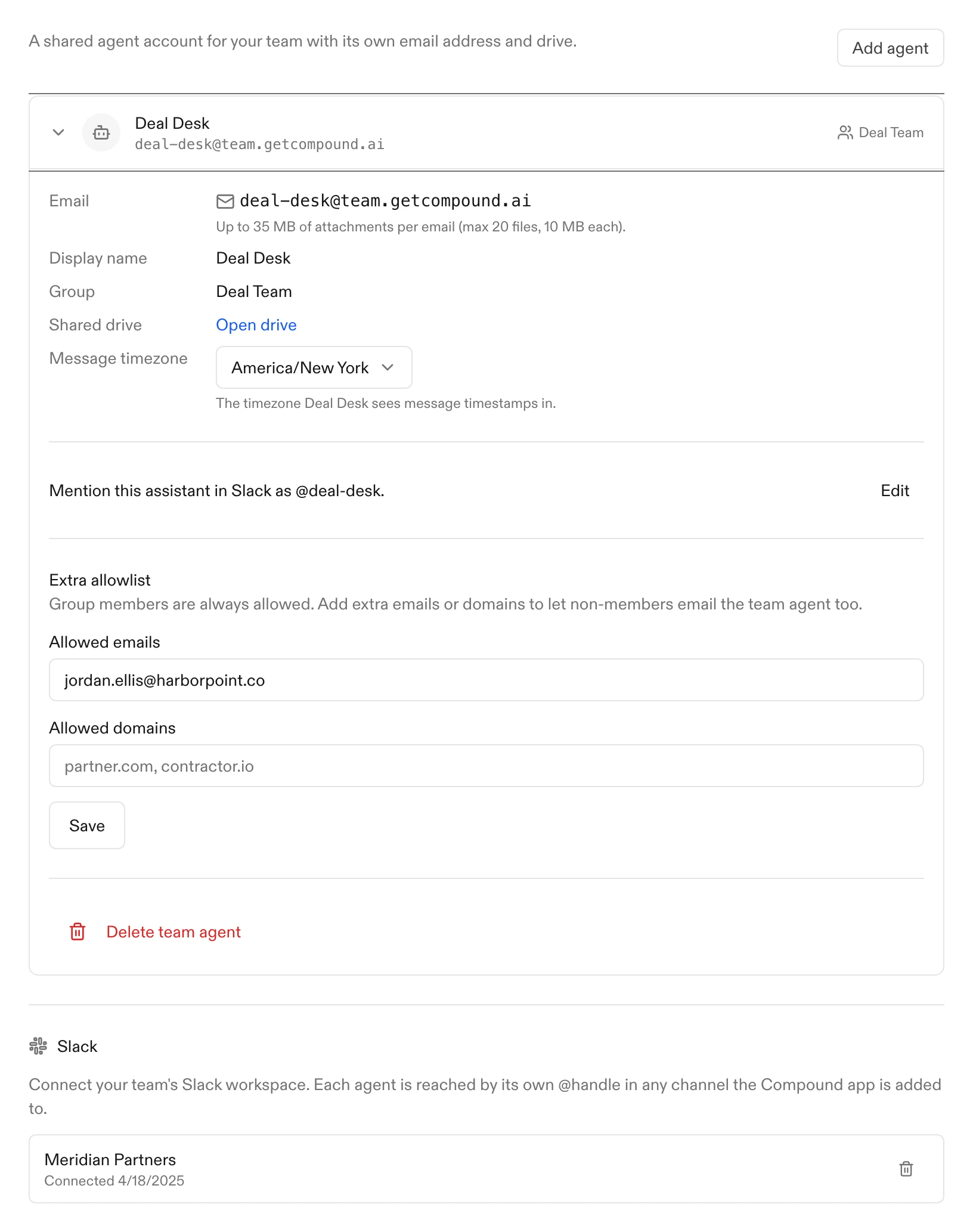
When you do want to open it up, you can—an admin can let specific people outside the group, or whole email domains, message the agent too. You can also expand a group to encompass all members of the firm.
A real member of the team
You set up a Team Agent the way you’d onboard a colleague. Give it a friendly name—Sam, Avery, whatever fits—and assign it to a group. It gets its own Compound account, its own email address, and a drive shared with the group.
From then on, it’s someone the group works with, not a tool each person operates alone. Every chat it runs and all the work output it produces land in the shared drive. When one person starts a model and another picks it up a week later, the agent is working from the same history, in the same place.
Because a Team Agent runs on one drive with one memory, its work compounds. Ask it to research a company today, and when a teammate asks for a model on that same name next week, it isn’t starting cold—it builds on what’s already there.
Reach it wherever the team already works
A Team Agent meets the team in the tools they already use.
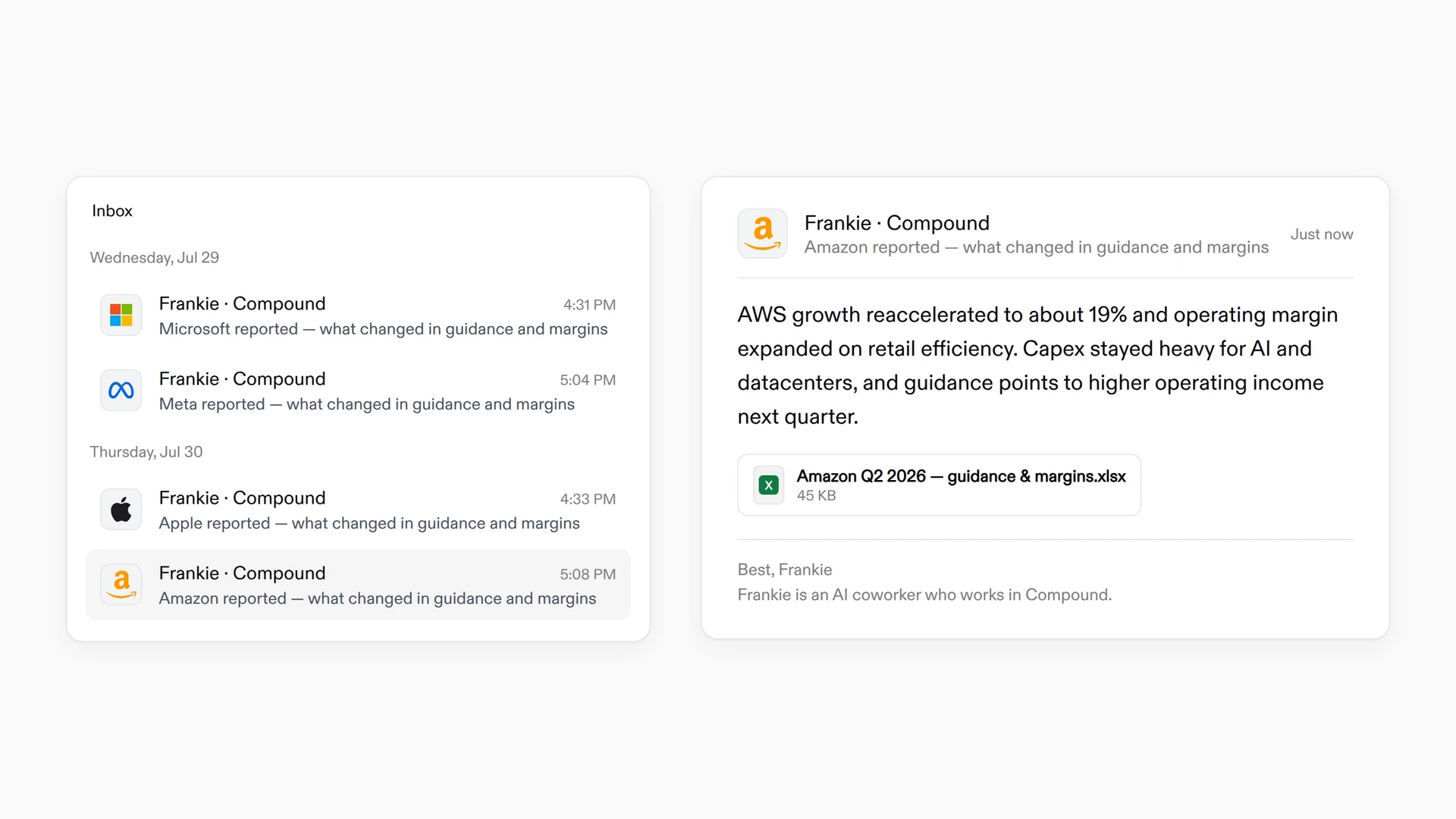
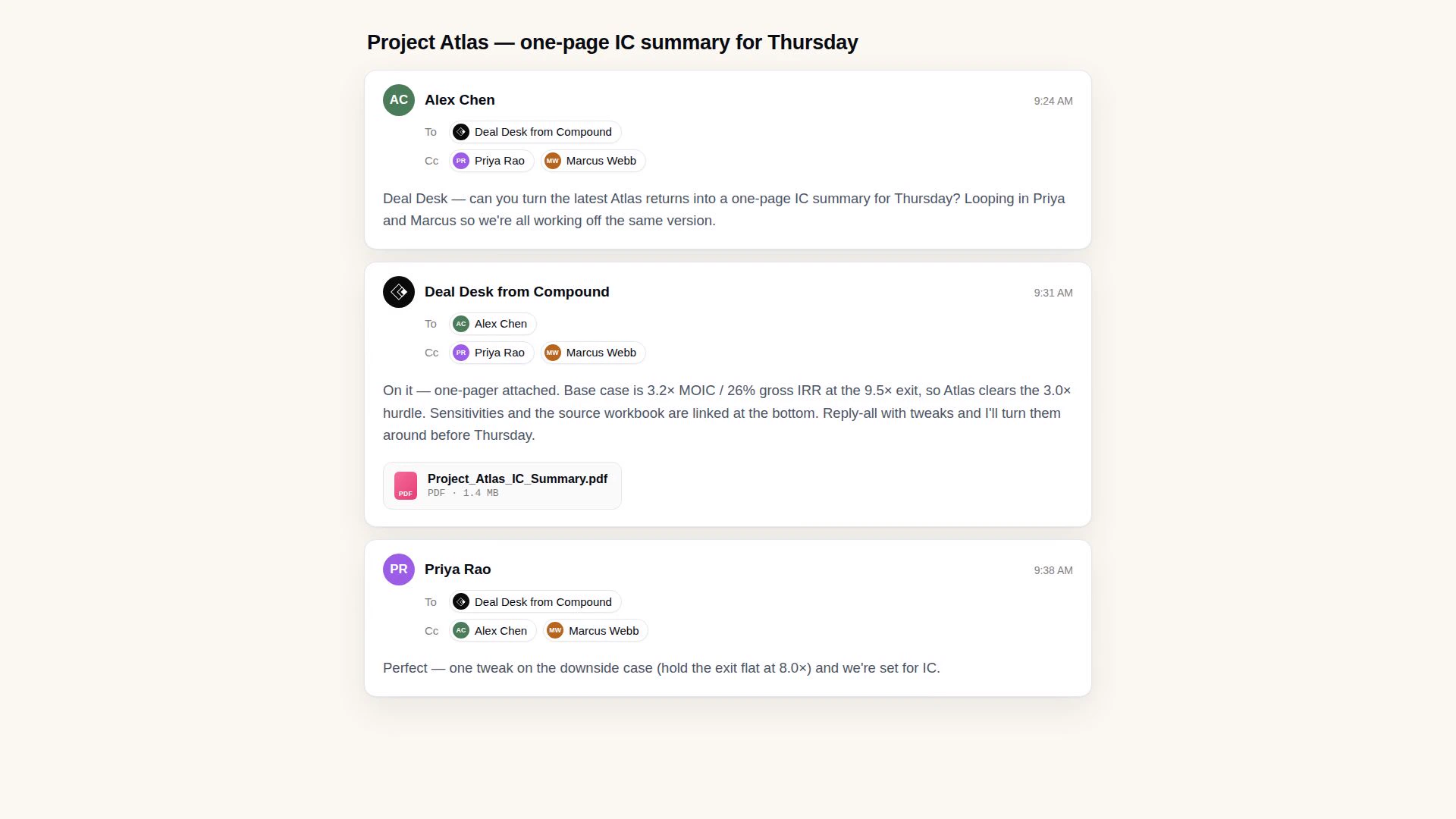
Email. Every agent has its own email address. Send it a task the way you’d email a colleague—provide the deck, the data, the memo—and it replies with the work attached. You can cc members in your group so they all have visibility.
Slack. Connect your workspace once, and each agent answers to its own @handle in any channel the Compound app is in. Mention it, and it picks up the request, works through it, and posts the result back in the thread—links and finished files attached.
If you email the agent to follow up on work it did in Slack, it can pick up right where it stopped, and vice versa.
Behind either channel it’s doing the same thing: running the analysis, research, models, and documents through Compound, then bringing the output back to where you asked. In either case, the agent will only respond to members of its assigned group.
Set up your first Team Agent
Team managers and admins create the agents, choose the group each one belongs to, and decide who outside the group gets in. Everyone else can work with the agents their groups already have.
As a team manager or admin, you can start by creating a group from your settings page, scoped to all team members who you want to have permissions to work with this agent. Next, click “Set up team agent” in the Agents tab of your settings and complete the form.
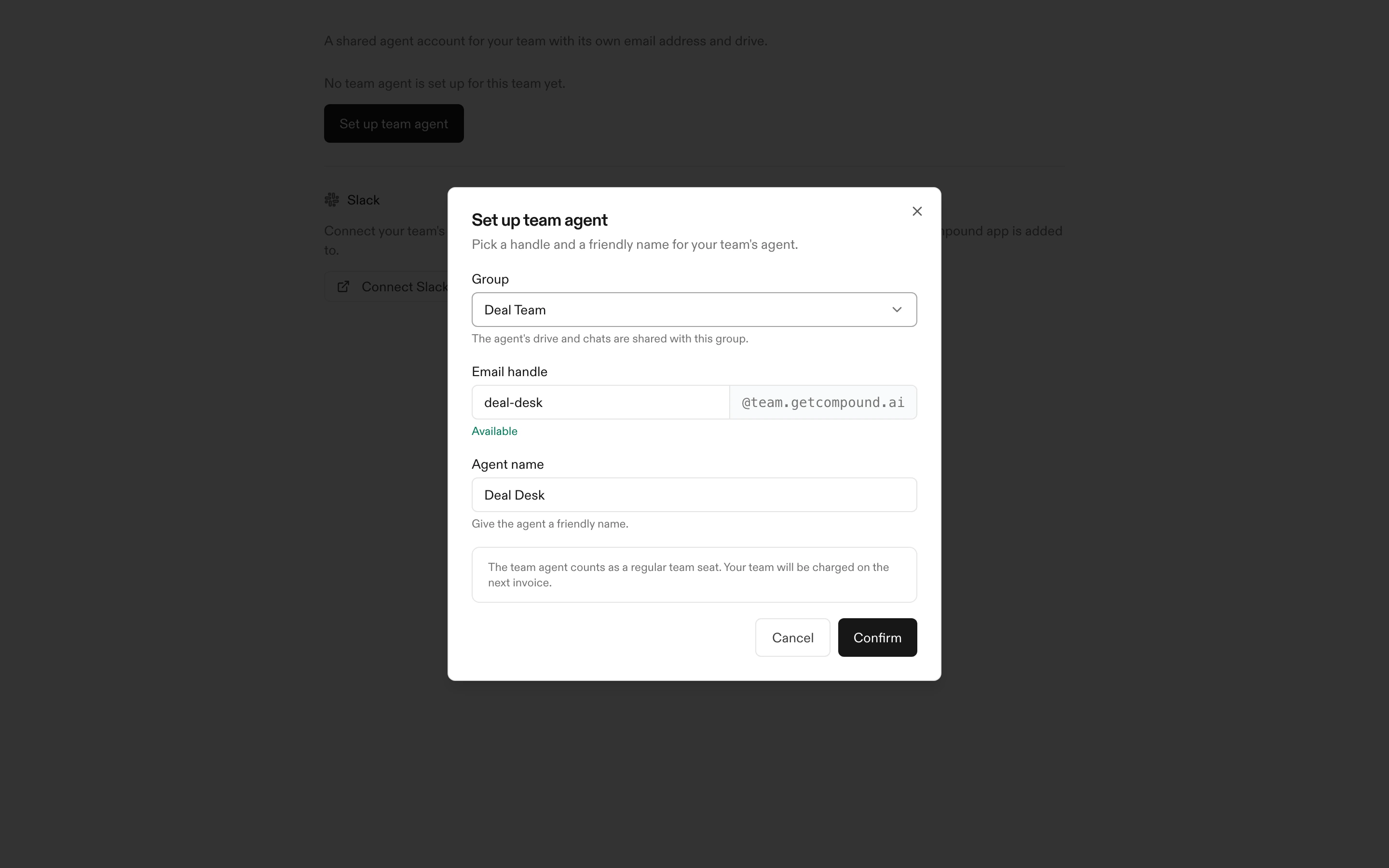
When set up, your agent is not billed as a paid seat. Its usage draws from your team’s shared Compound credits.
In institutional finance, a good analyst is much more than a personal assistant. Team Agents let you treat your agents in Compound as full analysts integrated with the firm, with their own onboarding, learnings, and team context.