Introducing Review: a second set of eyes on every model
por Compound Team · 30 de junio de 2026 · 2 min de lectura
Anyone who has used AI to build or modify a financial model knows what comes next: checking the work.
The output may look correct. The formatting is clean, the numbers are plausible. But before relying on it, you still need to verify that the changes are actually correct.
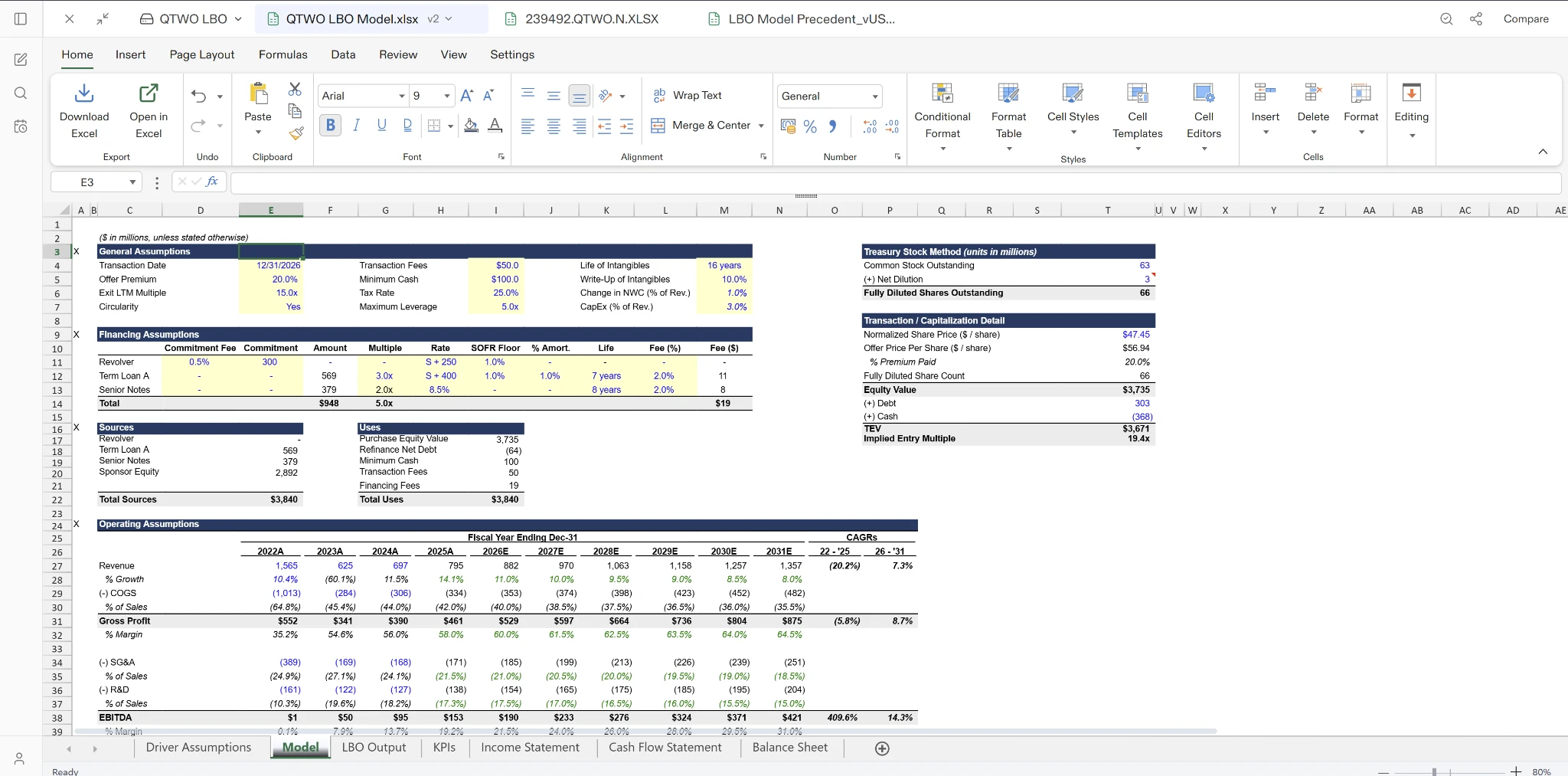
Models rarely fail because of one obvious mistake. More often, they contain a collection of smaller issues: a broken link between sheets, a hardcoded assumption buried in a formula, an inconsistent formula copied across a row, or a label that no longer matches the underlying calculation.
As AI becomes part of the modeling workflow, reviewing AI-generated changes has become part of the job. That often means tracing edits back to their source, checking that the agent made the changes it claimed to make, and writing up feedback for another iteration.
Today, we’re introducing Review — a read-only audit of the changes an agent makes to your model. Review identifies the critical issues that deserve your attention and points you directly to where each issue lives.
Built to catch what matters
Review is opinionated about what counts as a problem. It focuses on issues that are objectively incorrect:
- The agent’s actions contradict what it said it would do
- Calculations that don’t tie
- Inconsistent or broken formulas across cells and sheets
- Mislabeled rows, columns, or outputs
- A build that doesn’t make structural sense
Just as important is what Review won’t do. It avoids judgment calls — debatable financial logic, modeling conventions, or assumptions that depend on deal-specific context. Those remain decisions for the user. Review’s job is to identify issues that are clearly wrong, not suggest alternative modeling approaches.
Point it where you want it
Before running a review, you can provide custom instructions: review only the operating model, focus on the debt schedule build, or make sure numbers tie across the model. You define the scope — Review evaluates only that portion of the workbook.
Traceable, not just flagged
Every issue Review identifies links directly to where it occurs — the relevant cell, formula, label, or section of the model. Rather than simply reporting a problem, it shows you exactly where to inspect it.
From there, you decide what to do. Fix or ignore each issue individually. Anything marked for correction is queued for an agent to address, which works through the fixes in batches.
The result is a much tighter review loop. Instead of manually checking every sheet — or accepting every AI-generated change at face value — you can identify issues, jump directly to them, and queue fixes without leaving your workflow.
Generating a model is only the start of the workflow. Investment teams review, refine, and iterate before relying on the final output. We think AI should excel at every stage of the workflow.