Introducing the Compound CLI
Your AI agent can now hand finance work to Compound
著者: Compound Team · 2026年7月15日 · 4分で読む
More and more finance work starts with an AI agent. You describe what you need — to Claude Code, OpenClaw, Codex, Hermes, or an agent your team built — and the agent figures out how to get it done, using whatever software it has access to.
Today, we’re introducing the Compound CLI: the piece that puts Compound in that toolbox. It’s a small program your agent operates on your behalf — you never touch it yourself. Once it’s installed, any of these agents can hand the finance part of a job to Compound and get back a real Excel workbook, Word document, or PowerPoint deck to carry forward.
What a handoff looks like
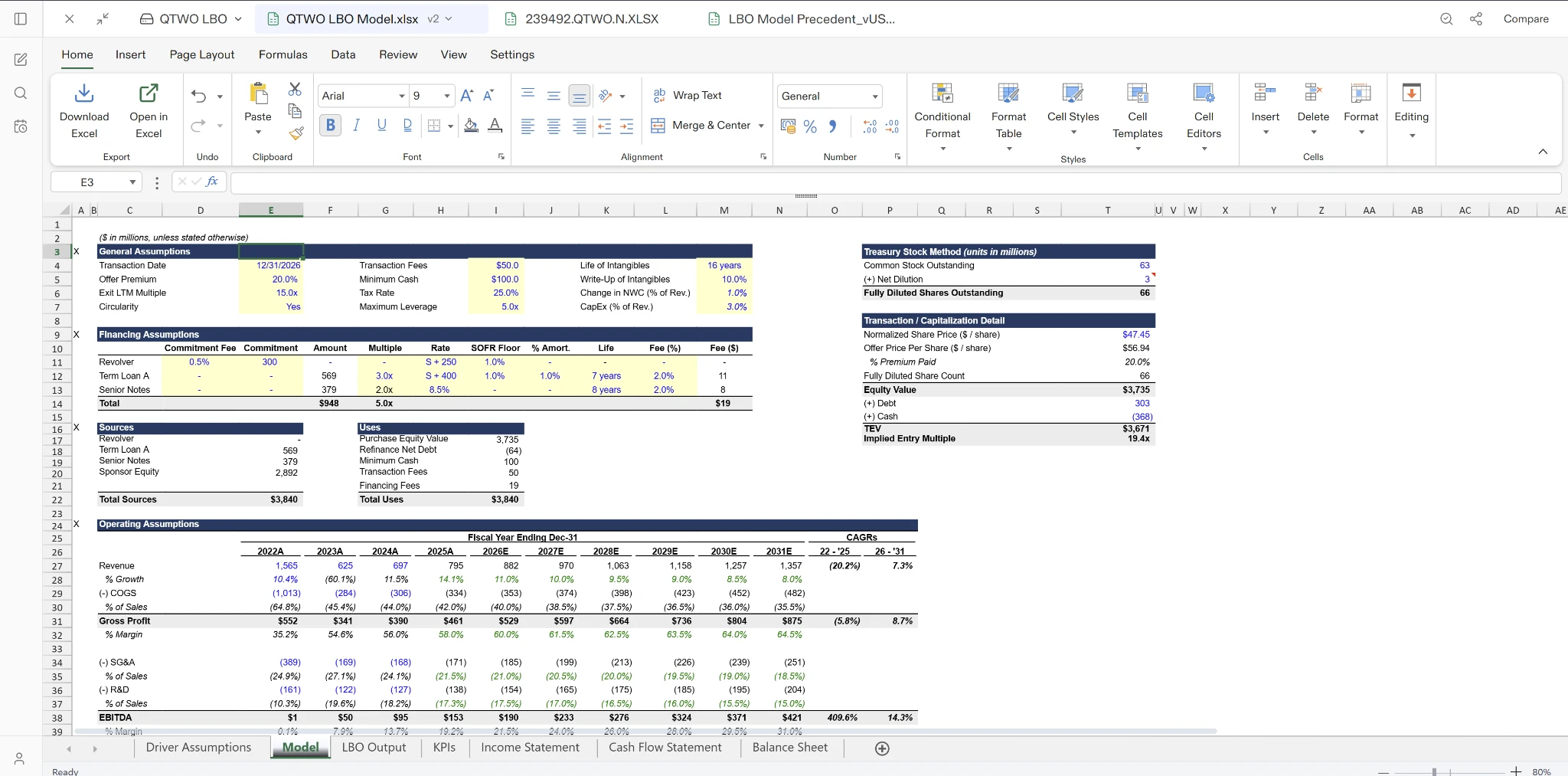
Say you ask your agent for a first-cut revenue model from a data room. Instead of improvising one itself, the agent passes the documents to Compound along with the task. Compound reads the material, runs the analysis, and builds the workbook — and the finished file lands back with your agent, ready to be attached to the memo, dropped in the deal folder, or handed to you.
Often there’s nothing to pass over at all. Compound has built-in access to SEC filings, market data, and earnings-call transcripts, so “summarize NVDA’s latest 10-K and build a comps sheet” works from a standing start — no data setup on your side.
Why the agent should hand it off
A general-purpose agent asked for a model will usually improvise — a script here, a CSV there, numbers pasted into a grid. Compound produces the deliverable finance teams actually exchange: a properly structured, formatted Excel model — or the memo in Word, or the deck in PowerPoint.
And the numbers come with receipts. When Compound builds a workbook, citations are embedded directly in the cells as notes linking back to the underlying source — so whoever opens the model can trace where each figure came from.
Nothing gets lost in the handoff
Everything your agent sends to Compound becomes a normal chat in your Compound drive. Open getcompound.ai and the work is there — you can see how the analysis was done, ask follow-up questions, keep refining the model, or share it with your team. Your agent starts the work; you and your colleagues can pick it up anywhere.
Works with the agent you already use
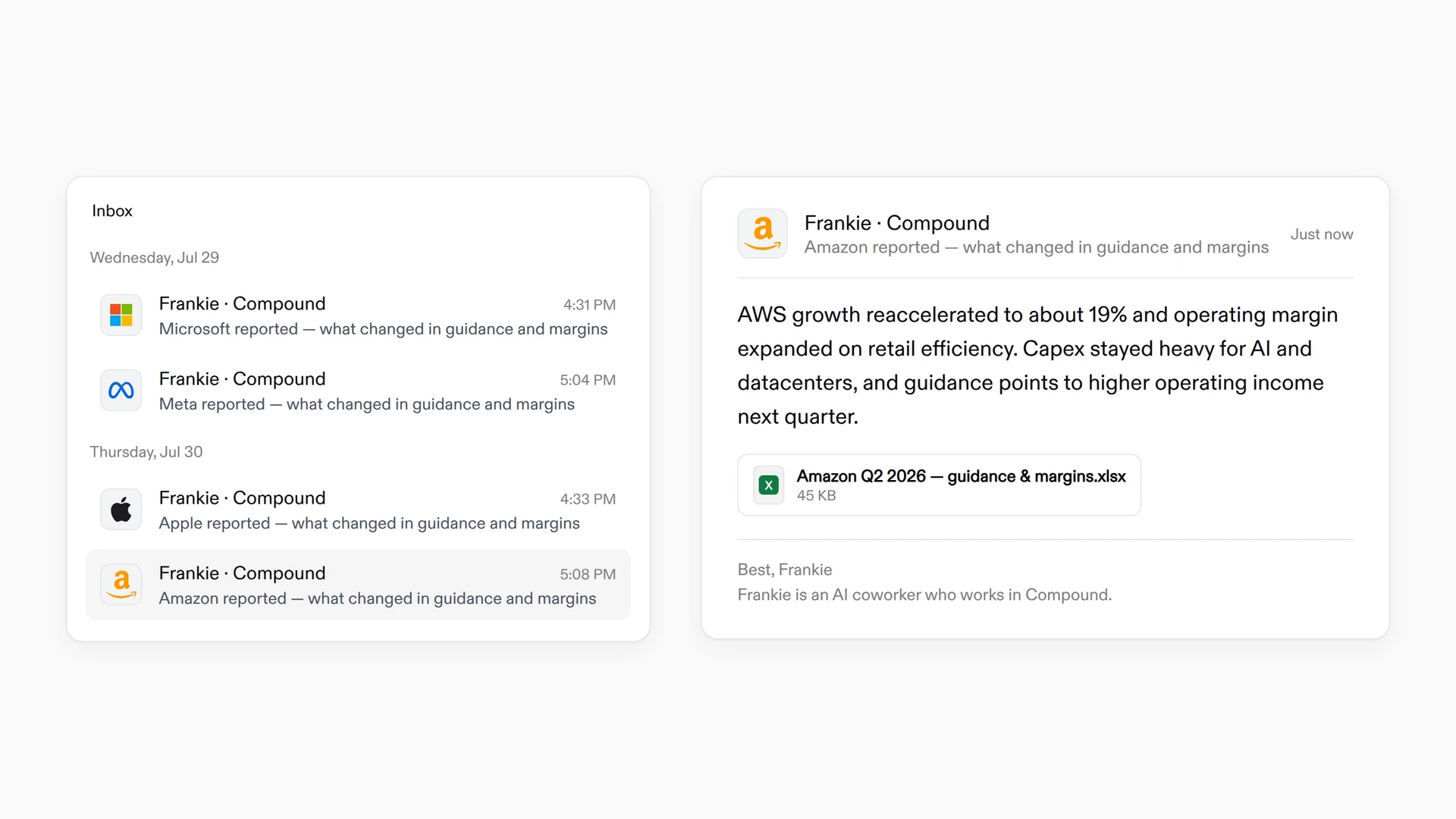
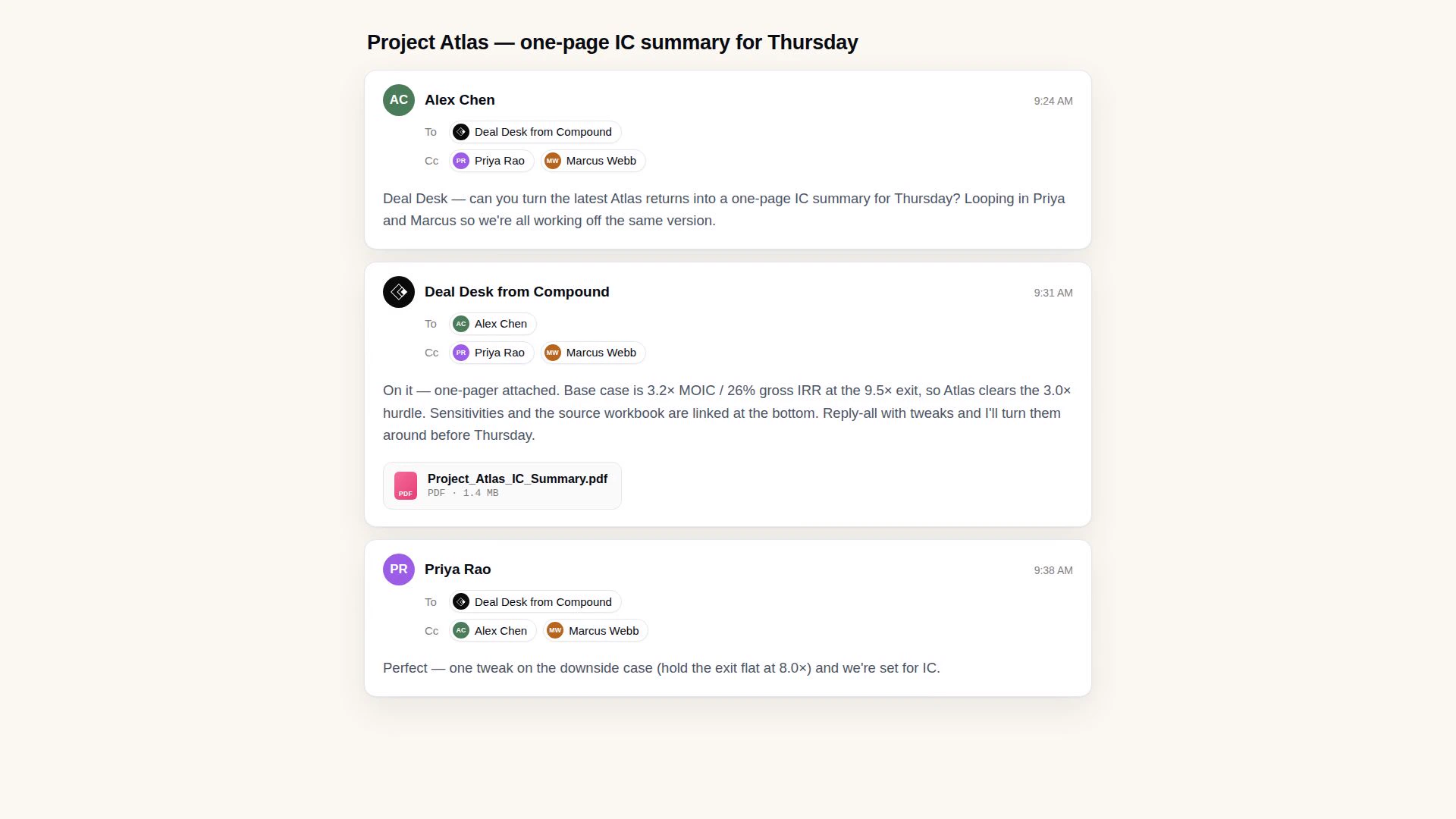
The Compound CLI is self-contained: anything that can run a program can use it. For Claude Code and OpenClaw, Compound ships as an installable skill, so the agent learns the whole workflow the moment it’s added. Its output is structured for agents to read reliably — this isn’t a human tool agents happen to use; it was built for them. Frankie, our AI coworker in your inbox, and Team Agents, the shared teammate a whole group can email or mention in Slack, both run on the same foundation.
Get started
Setup happens once, and most of it is your agent’s job. On Mac and Linux, only two things are ever yours to type: the plugin commands if you’re on Claude Code, and signing in.
The Compound CLI runs on macOS and Linux. On Windows, your agent runs it through WSL (Windows Subsystem for Linux) — set up WSL first, then run the steps below inside your WSL shell.
Ask your agent to install the skill
Point your agent at the compound-skill repository and ask it to install Compound. It reads the instructions and runs the install itself — a managed install through OpenClaw’s built-in skill installer, a one-line download for anything else. You don’t type either of these; your agent does:
# To install Compound CLI

# OpenClaw
openclaw skills install git:getcompoundai/compound-skill

# any other agent
curl -fsSL https://raw.githubusercontent.com/getcompoundai/compound-skill/main/install.sh | bashClaude Code is the exception. It installs plugins through slash commands, so here the two commands are for you to type, inside Claude Code:
/plugin marketplace add getcompoundai/compound-skill/plugin install compound@getcompoundai-compound-skillThen restart Claude Code. It installs the compound binary for you on the way back up.
Sign in yourself
compound loginWhichever agent you use, you’ll have to run this step yourself. It opens a browser and waits for you to paste back the code it shows, so it needs a terminal you’re sitting at — no agent can finish it for you.
From here, just ask
Everything after setup is a request, not a command. Try: have Compound summarize NVDA’s latest earnings call. Nothing to upload; the filings and transcripts are already there.
For the technically curious, the compound-skill repository documents every command the agent can reach.