Introducing Team Agents
A shared AI teammate your deal team can email, tag, and hand work to
Product · by Compound Team · July 6, 2026 · 4 min read
Most AI tools are personal workspaces. You ask, it answers, and the work lives in your own history. That breaks down the moment the work belongs to a team instead of to you.
Imagine this: an analyst uses AI to build a model for a live deal, but all the context behind it lives in a private chat. The next morning, a director needs to stress-test the model and is flying blind. The context one person built never reaches the rest of the team.
For a deal team, a shared AI teammate is far more useful than a personal assistant: one you can email, tag, assign work to, and whose output everyone builds on.
That is a Team Agent. Since Compound V2, every agent you create is one. Frankie, the agent every account starts with, is your personal agent: private to you and never shared. A Team Agent has a name, its own email address, and its own tasks and files, and you decide who works with it.
One agent per deal
Create an agent for each deal, client, fund, or coverage team. An agent sees only its own files and your firm’s shared Organization Knowledge, so analysis on one deal never pulls in numbers from another.
That gives you hard confidentiality lines inside the firm, not just between firms. When the Atlas deal team has its agent model a live target, nobody outside that agent sees a thing.
Projects keep work organized inside an agent: “Q3 earnings”, “Atlas data room”, “Lender process”. Each has its own tasks, files, and activity.
Shared with the people you choose
A new agent is private until you add people. Its owner invites teammates by email and gives each one a role:
- Editor: messages the agent, starts and replies to tasks, and adds and edits files.
- Viewer: sees every task and file but can’t change anything. Useful for a partner or an IC member who wants to follow along. A viewer can request edit access in one click.
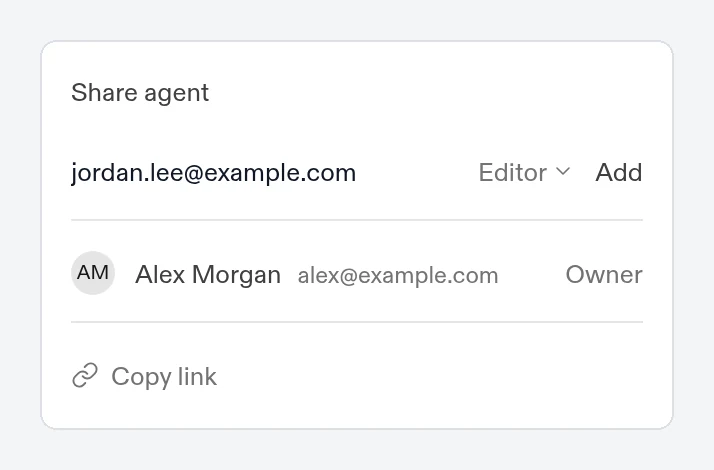
Only the owner can share the agent, change what it is allowed to do, or delete it. Each agent has its own switches for email, connected apps, web search, Compound finance data, and searching posts on X, so a sensitive deal can run with exactly the access it needs.
A real member of the team
Everyone on the agent sees the same tasks and the same files. When one person starts a model and another picks it up a week later, the agent works from the same history, in the same place.
Because the agent works from one set of files with one memory, its work compounds. Ask it to research a company today, and when a teammate asks for a model on that name next week, it isn’t starting cold. It builds on what’s already there.
Working together looks like working with a colleague:
- Tag a teammate. Type
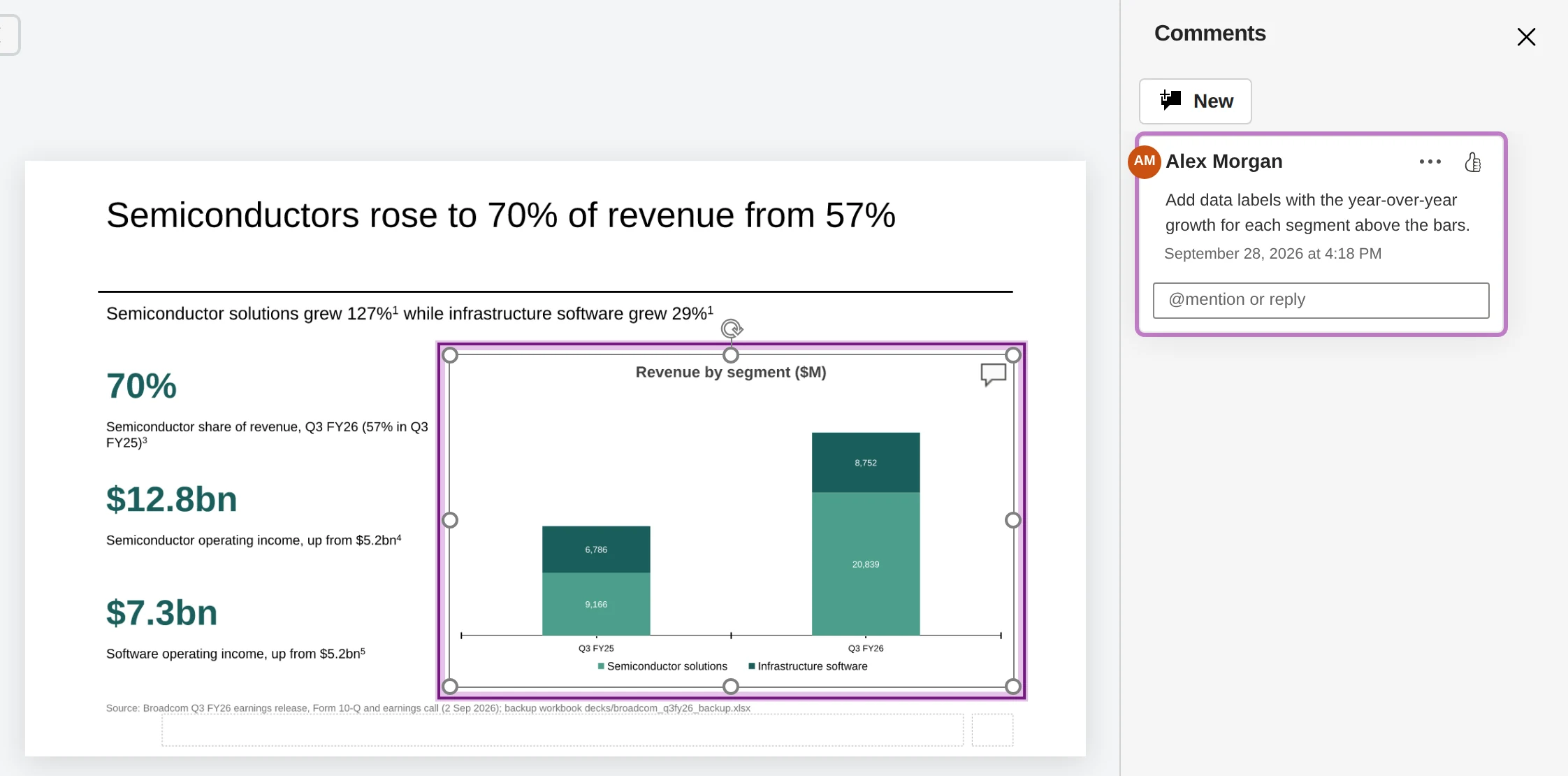
@in a chat or task to pull someone in. They get a notification and land on the task. - Comment on the work. Comment on a cell range in a workbook or a shape on a slide. The agent makes the change, replies in the thread, and resolves it.
- Share one result. Send a single task as a frozen snapshot or a live view, or share one file, to someone who doesn’t need the whole agent.
Email it like a colleague
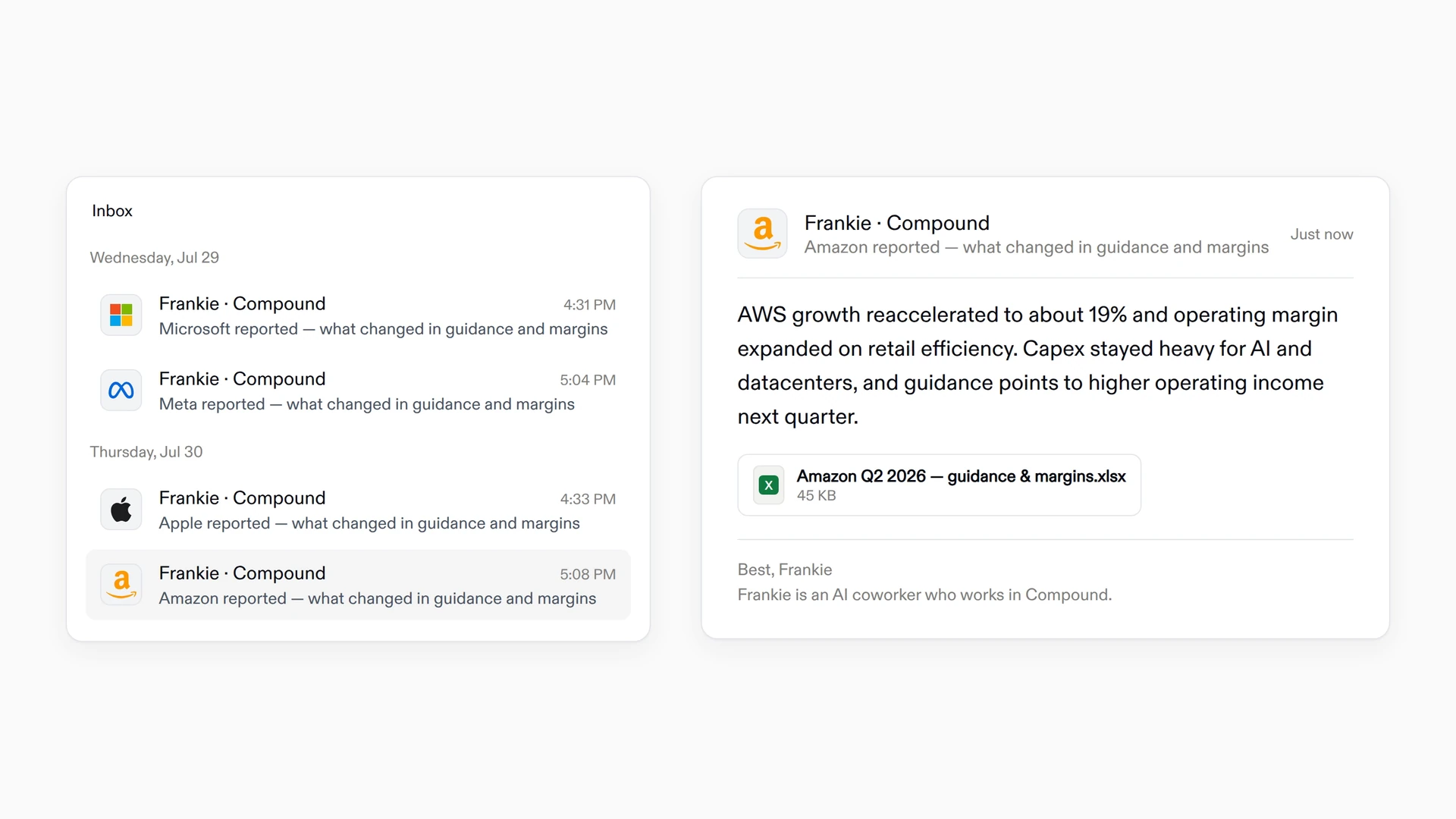
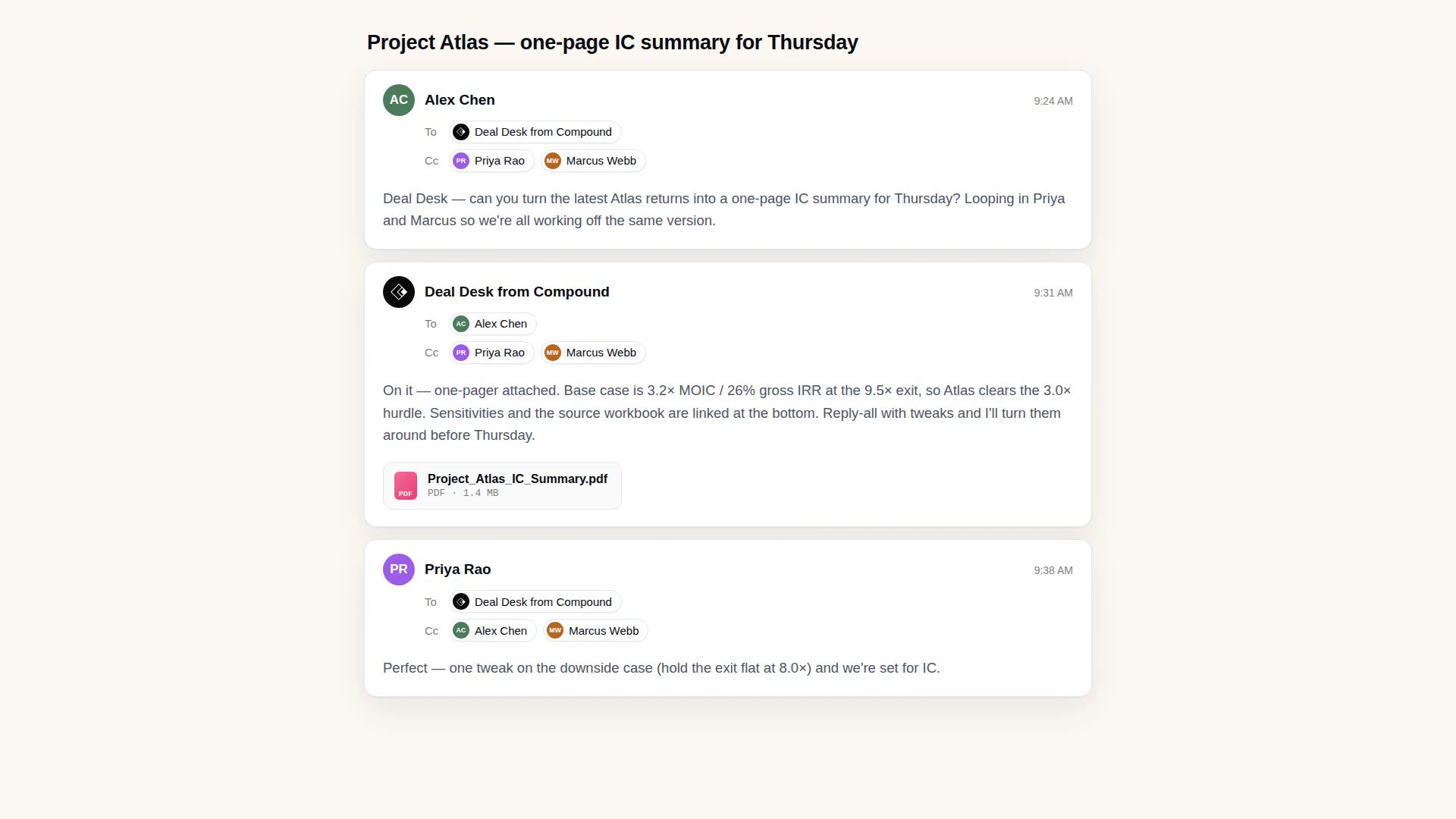
Every Team Agent has its own email address. Send it a task the way you’d email an analyst: attach the deck, the data, or the memo, or forward the CIM. Cc it on a thread with your deal team and ask it to pick something up.
The agent replies on the same thread to say what it’s working on, then comes back with the finished work, attached or linked. Every member of the agent on the thread sees the result, and a follow-up on that thread picks up right where it stopped.
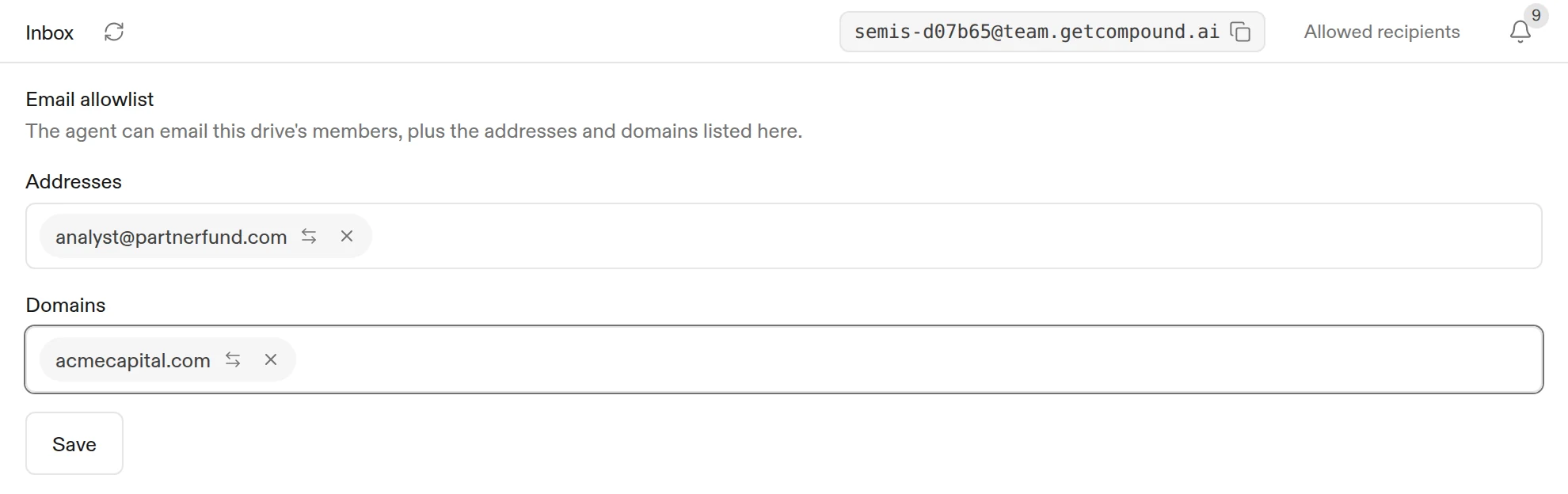
The agent takes email only from its members, and it emails only them. When you want to open it up, the owner adds specific addresses, such as a lender’s analyst, or whole domains to the agent’s allowlist, and chooses for each whether it can email the agent, receive email from it, or both.
Set up your first Team Agent
Create the agent
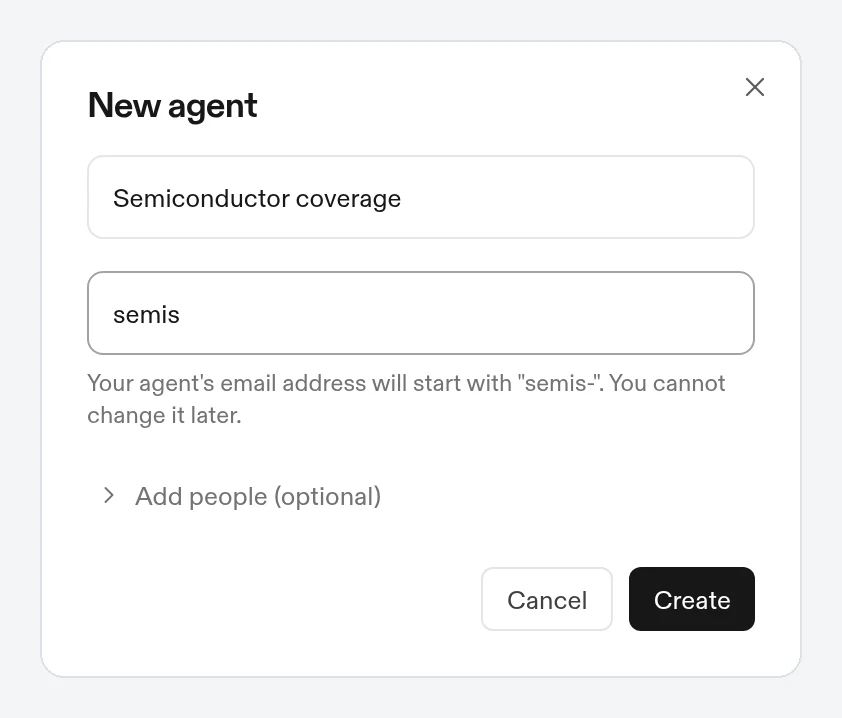
Click the agent name at the top of the sidebar, then New agent. Give it a name, such as “Atlas deal team”, and an email name, which becomes the start of its email address.
Add your team
Under Add people, add teammates as Editors or Viewers. You can add more later from Agent settings > People > Invite.
Hand it the first piece of work
Drop in the data room, ask for a model, or forward the first email.
A Team Agent is not billed as a seat. Its work draws on your team’s shared Compound credits, and your team’s usage shows which member asked for each task.
In institutional finance, a good analyst is much more than a personal assistant. Team Agents let you treat your agents in Compound as analysts on the deal team, with the team’s files, history, and context in one place.
See Collaboration and Email in the help center for every setting.